wg8 App – Download APK for Android
Get the official wg8 App on your Android phone. Cricket betting, live casino, crash games, and bKash deposits — all in one lightweight APK. Free download, no Play Store needed.
File: www-wg8.apk · Size: 36 MB · Android 7.0+ · Free · 18+ · Play Responsibly
Scan to download
Why Use the wg8 App?
Faster Loading
The wg8 App loads game lobbies and live scores significantly faster than a mobile browser. Pages open in under two seconds on a standard 4G connection, so you spend less time waiting and more time playing cricket betting markets or spinning slots.
Built for Small Screens
Every button, menu and game grid is designed for one-thumb use on Android phones. The wg8 App automatically adjusts layout for 5-inch to 7-inch screens. Text stays readable, bet slips stay accessible, and navigation never gets in the way.
Push Notifications
Opt in to receive instant alerts for match starts, score updates, deposit confirmations, and bonus releases. You can manage notification preferences inside the app settings — turn off types you don't need without losing the ones you want.
One-Tap bKash Deposit
The wg8 App stores your preferred bKash or Nagad number so you can top up your balance in one step. Deposits arrive in your game wallet in about 3 minutes. Minimum deposit is ৳300 — handy for quick top-ups before a T20 match starts.
Secure Session Lock
The app supports Android biometric lock (fingerprint or face unlock). Each session is encrypted with TLS 1.3. If you switch apps or lock your screen, the session is paused and resumes only after re-authentication — protecting your account on shared devices.
Offline Mode & Auto-Sync
If your connection drops mid-session, the wg8 App queues your last action and syncs automatically when signal returns. Your bet history and balance are always up to date once you reconnect — no need to manually refresh or log in again.
How to Install wg8 APK on Android
Android blocks APK files from unknown sources by default. Follow these five steps to install the wg8 App safely. The whole process takes under three minutes on most phones.
-
1
Allow Unknown Sources
Go to Settings → Apps → Special App Access → Install Unknown Apps. Find your browser (e.g. Chrome or Samsung Internet), then toggle Allow from this source to ON. This setting only applies to that browser — it does not open your phone to all sources permanently.
-
2
Download the APK
Tap the Download APK button on this page. Your browser will save the file
www-wg8.apk(36 MB) to your Downloads folder. Wait for the progress bar to complete — do not close the browser tab while downloading or the file may corrupt. -
3
Open the APK File
Pull down your notification shade and tap the completed download notification, or open your Files app, navigate to Downloads, and tap www-wg8.apk. Android will show an install confirmation screen listing the permissions the wg8 App requests — review and tap Install.
-
4
Wait for Installation
Installation takes 10–20 seconds depending on your device speed. Do not press the Back button during this step. When the screen shows "App installed", tap Open to launch the wg8 App immediately, or tap Done to find the app icon on your home screen later.
-
5
Log In or Register
On first launch, the wg8 App asks you to log in to your existing account or create a new account. New players tap Register, fill in their mobile number, set a password, and claim the welcome bonus. Existing players tap Log In and enter their credentials.
iOS users: There is no iOS App Store listing. iPhone and iPad users can open www-wg8.net in Safari, tap the Share icon, and choose Add to Home Screen. This creates a web app shortcut that behaves like a native app — tap the icon to open directly in full-screen mode without the browser bar.
Download & App Information
Official APK — always free to download
Only download from this official page. Do not use third-party APK hosting sites — they may distribute modified versions.
| App Name | wg8 App |
| File Name | www-wg8.apk |
| Version | 3.0.16 |
| File Size | 36 MB |
| Minimum Android | Android 7.0 (Nougat) |
| Last Updated | 3 November 2026 |
| Price | Free |
| Languages | English / Bangla |
| Platform | Android (APK direct install) |
| iOS | Add to Home Screen via Safari |
wg8 App vs Browser Version
Both the wg8 App and the mobile browser version give you access to all games and payment methods. Here is where they differ — so you can choose what suits your device and playing style.
| Feature | wg8 App (APK) | Mobile Browser |
|---|---|---|
| Loading Speed | Faster — pre-cached assets | Depends on browser cache |
| Push Notifications | Yes — match alerts, bonuses | Browser-only, less reliable |
| Biometric Login | Fingerprint / Face unlock | Not available |
| One-Tap bKash Deposit | Saved payment shortcut | Manual entry each time |
| Game Count | Full lobby — 5,000+ games | Full lobby — 5,000+ games |
| Live Casino | HD streams, low latency | HD streams (browser lag possible) |
| Offline Queue | Auto-sync on reconnect | Page reload required |
| iOS Compatible | Android only (APK) | All devices & browsers |
| Install Required | One-time 36 MB install | No install needed |
| Auto-Update | In-app update prompt | Always latest version |
Games Available in the wg8 App
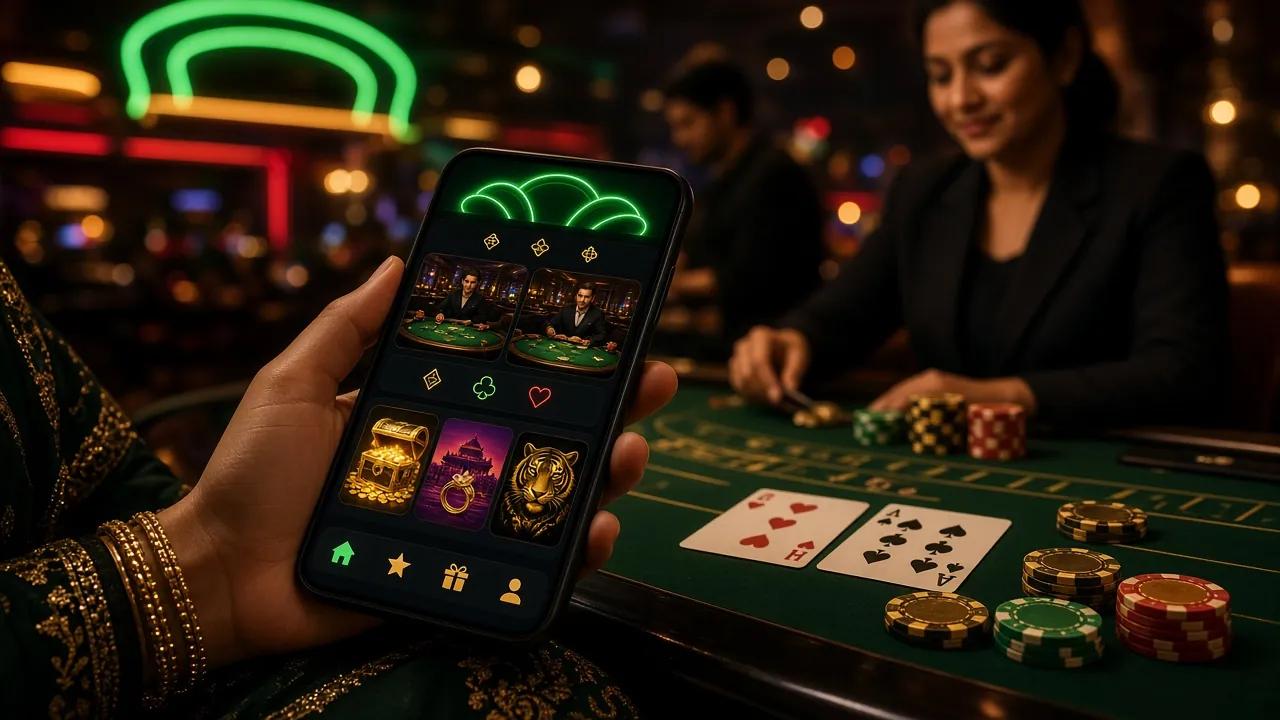
View Full CasinoThe wg8 App gives you the complete game lobby — slots, live casino tables, crash games, fishing, sports betting, and more. Providers include Pragmatic Play, JILI, Red Tiger, CQ9, and Habanero.


Security & Permissions
The wg8 App requests only the permissions it needs to function. No access to your contacts, camera, or location. Here is exactly what the app does and why.
TLS 1.3 Encryption
All data between the wg8 App and our servers travels over TLS 1.3 — the same protocol used by banks. Your login credentials, payment details, and bet history are encrypted end-to-end. We do not store card numbers or mobile wallet PINs on our servers.
Minimal Permissions
The APK requests Internet access, storage access (to save the APK during updates), and optional notification permission. It does not request camera, microphone, contacts, or precise location. You can review all permissions in Android Settings → Apps → wg8 before installing.
Biometric Authentication
Enable fingerprint or face unlock in App Settings after your first login. Your biometric data never leaves your device — Android's secure enclave handles it locally. If biometrics fail three times, the app falls back to your account password so you are never locked out.
Official Source Only
Only download the wg8 APK from this page: www-wg8.net/www-wg8-app/. Third-party APK sites may bundle malware or outdated versions with disabled security. When an update is available, the app notifies you in-app and links back to this page for the new file.
Installation Troubleshooting
Most install problems have a quick fix. Find your issue in the table below and follow the solution.
| Problem | Likely Cause | Solution |
|---|---|---|
| "Install blocked" | Unknown Sources is still OFF for your browser | Go to Settings → Apps → Special App Access → Install Unknown Apps. Find your browser and enable "Allow from this source." Then tap the APK file again. |
| "App not installed" | Corrupted or incomplete APK download | Delete the existing www-wg8.apk from your Downloads folder. Reconnect to a stable Wi-Fi network, return to this page, and tap Download APK again. Wait until 100% before opening the file. |
| App crashes on launch | Android version too old (below 7.0) or low RAM | Check your Android version in Settings → About Phone. The wg8 App requires Android 7.0 or higher. On older phones, use the mobile browser version at www-wg8.net instead. |
| Login fails after install | Incorrect credentials or unverified account | Use the wg8 Login page to reset your password via mobile number OTP. If you have not yet registered, tap Register in the app or visit wg8 Register on this site. |
| "Parsing error" message | APK file downloaded from unofficial site or mid-transfer corruption | Remove any previously downloaded APK from unofficial sources. Download fresh from this official page only. Clear your browser cache first if the error persists after re-download. |
If none of these steps resolve your issue, contact our 24/7 Live Chat support or email [email protected] with your device model and Android version.
Frequently Asked Questions – wg8 App
Download the wg8 App
-
Loads in under 2 seconds
Game lobbies and live cricket odds open fast on any 4G connection — no lag, no blank screens.
-
Built for Android phones
Every tap target is sized for one-thumb use on 5 to 7-inch screens. Works on Android 7.0 and later.
-
One-tap bKash & Nagad deposits
Deposit from ৳300 in about 3 minutes. Your preferred number is saved — no re-entry each time.
-
Push alerts for cricket & bonuses
Get notified when a match starts, your deposit lands, or a new bonus drops. Turn off any type you don't want.
Scan to download on Android
18+ · Play Responsibly. Not available on iOS or Google Play Store. Enable "Install from unknown sources" in Android settings before installing.
Is the wg8 APK safe to install?
Why can't I find wg8 on the Google Play Store?
How do I update the wg8 App to the latest version?
What if installation fails halfway?
Does the wg8 App work on iPhone or iPad?
Will the app drain my battery or use too much mobile data?
Can I use bKash and Nagad to deposit inside the app?
Ready to Play?
Download the wg8 App, create your account, and use bKash or Nagad to make your first deposit of ৳300 or more to activate the welcome bonus. The full casino lobby — slots, live dealer, crash, cricket betting — is waiting in your pocket.
- 18+ Only
- SSL Encrypted
- 24/7 Support
- bKash & Nagad
- Free Update